1Open
Find stations around you
QuickNG uses your current area to bring nearby CNG options into one clear view.
 QuickNGby Enrovix AI

 AndroidComing soon
QuickNG turns GPS-based journey signals into easy-to-understand station and queue guidance, without asking drivers to fill long forms or report technical station details.

Everything is designed to make sense at a glance.
QuickNG uses your current area to bring nearby CNG options into one clear view.
A close station is not always the fastest. Compare distance with likely waiting conditions.
See waiting estimates in simple, practical ranges instead of single minutes that change quickly.
Take the route that works for you, with live guidance that stays simple while you drive.
Arrival reminders: Optional Android and iPhone location-based reminders can prompt you to share a manual wait update near a station. Notification timing depends on permissions and phone conditions. Queue estimates depend on recent manual reports and are not guaranteed filling times.
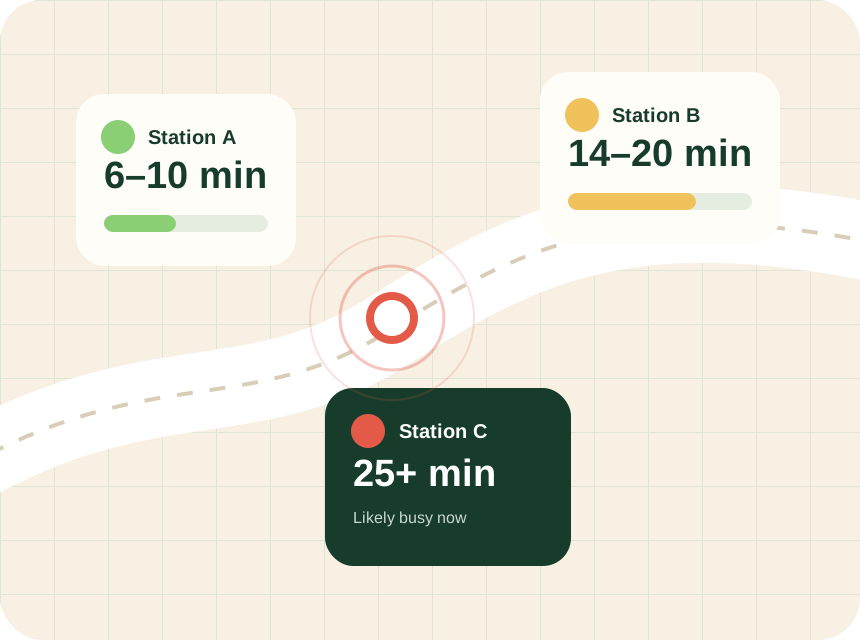
In the real world, people may not know the station layout, working points or exact queue length. QuickNG keeps the user action light and works from journey context instead.
QuickNG brings station discovery, queue guidance and trip planning together, so you can compare your options before driving to a pump.
Use your location to find nearby stations in Gujarat. Compare the journey with the available waiting estimate instead of choosing only by distance.
Recent eligible visit and queue signals help estimate waiting conditions. A listed station does not mean fresh queue data is available. Treat estimates as guidance, not a guaranteed filling time.
Enter your destination and vehicle details to plan CNG stops. Google Maps handles navigation after you start the trip; QuickNG can alert you near planned stops when the required permissions are enabled.
Planning a fill in Ahmedabad, Vadodara, Surat or Rajkot? Travelling towards Anand or Jamnagar? Check the stations and available estimates in QuickNG for your actual location or planned journey. Coverage and fresh data vary by station.
QuickNG is free on the App Store for iPhone, with English, Hindi and Gujarati support. The Android download is coming soon.
No. Estimates depend on available data and can change while you travel. A missing estimate is not proof that a station is empty, closed or has no queue. Use the latest information shown in the app and confirm uncertain details with the station.
QuickNG plans CNG stops using your trip and vehicle details, then hands navigation to Google Maps. Stop alerts need location and notification permissions. If your plans change, open QuickNG to review and re-plan your CNG stops when safely parked.